
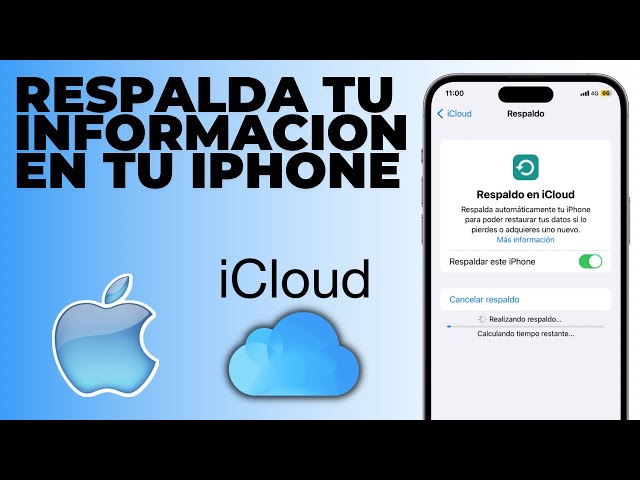
¿Cómo hago una copia de seguridad de mi iPhone?

Video relacionado
Video relacionado
document.addEventListener("DOMContentLoaded", function() { document.querySelectorAll(".lazy-youtube-wrapper").forEach(function(wrapper) { wrapper.addEventListener("click", function() { var videoId = wrapper.getAttribute("data-video-id"); var iframe = document.createElement("iframe"); iframe.setAttribute("src", "https://www.youtube.com/embed/" + videoId + "?autoplay=1"); iframe.setAttribute("frameborder", "0"); iframe.setAttribute("allow", "accelerometer; autoplay; clipboard-write; encrypted-media; gyroscope; picture-in-picture"); iframe.setAttribute("allowfullscreen", "1"); iframe.style.position = "absolute"; iframe.style.top = "0"; iframe.style.left = "0"; iframe.style.width = "100%"; iframe.style.height = "100%"; wrapper.innerHTML = ""; wrapper.appendChild(iframe); }); }); });

Para hacer una copia de seguridad de tu iPhone, puedes usar iCloud o iTunes. Con iCloud, ve a Configuración > iCloud > Copia de seguridad y activa la opción «iCloud Backup». Con iTunes, conecta tu iPhone a tu computadora y selecciona «Hacer una copia de seguridad ahora».

.aawp .aawp-product--vertical .aawp-product__price--current { color:green!important; }.aawp .aawp-product--vertical .aawp-product__title { color: black!important; }.aawp .aawp-product--list .aawp-product__title { color: black!important; }.aawp .aawp-product--list .aawp-product__price { color:green!important; }
[amazon bestseller="iPhone" items="9" grid="3"]
[amazon bestseller="Adaptadores Apple USB-C para iPad" items="6" grid="3"]

[amazon bestseller="iPhone" items="9" grid="3"]
[amazon bestseller="Apple Studio Display" items="6" grid="3"]